

KC TOUCH All-in-One Enterprise Resource Booking Platform
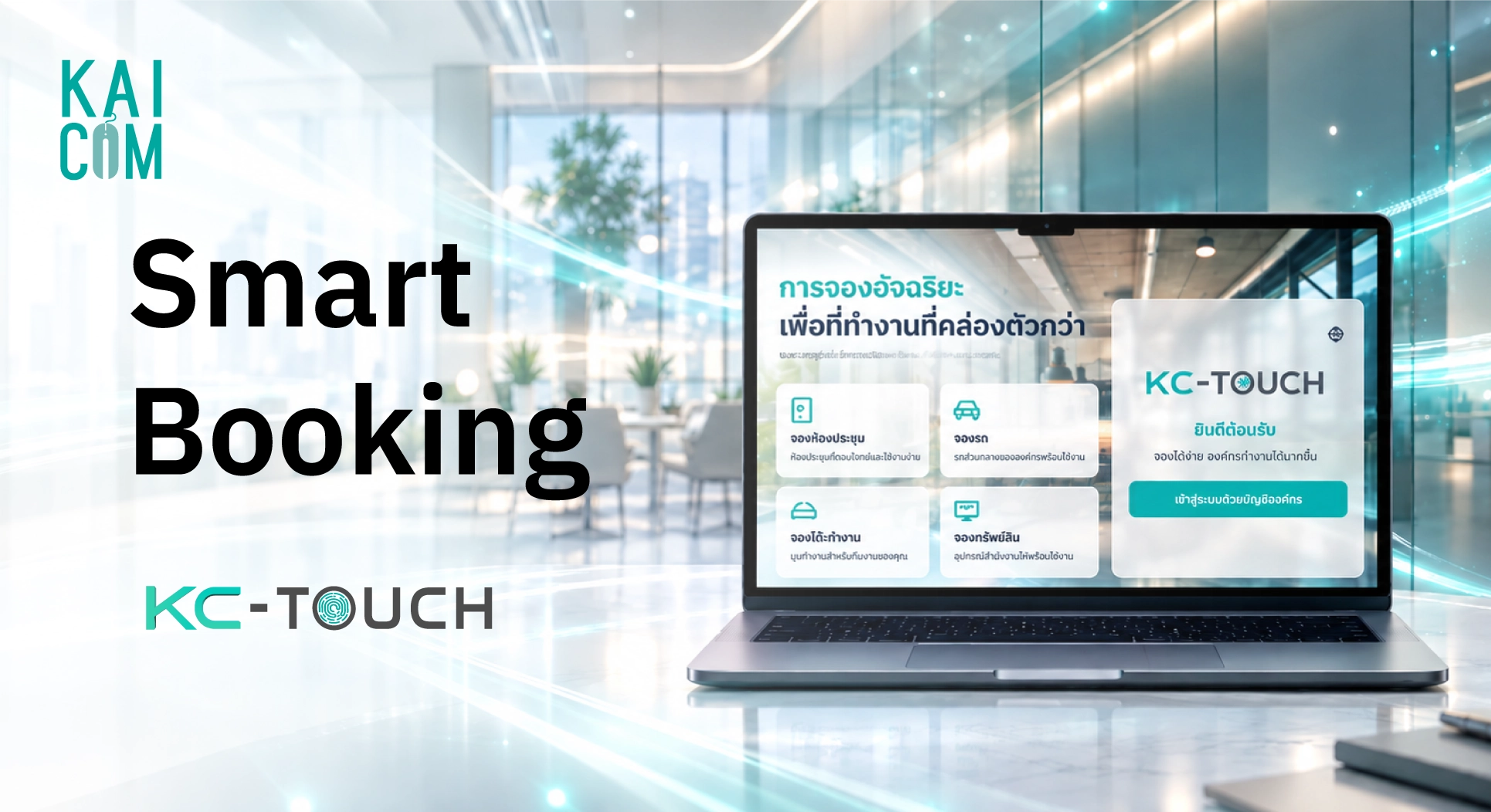
KC TOUCH is a resource booking system for organizations that puts meeting rooms, company vehicles, desks and equipment in a single platform. Users see available, booked and in-use status instantly. Check-in confirms that a booking is actually used, and if nobody shows up the room can be released to another team. Administrators get dashboards and reports, and the system integrates with Microsoft 365, Google Workspace and Slack.
Meeting rooms are where teams communicate and make decisions, yet small problems such as double bookings or rooms reserved but never used quietly eat into working time. This article explains what KC TOUCH is, what it can do, which organizations it suits, and how to get started.
Common Booking Problems in Organizations
Many organizations still book rooms through LINE or internal chat. It works at first, but once several teams share the same space, problems appear:
- Double bookings because there is no central schedule everyone can see.
- Reserved but unused rooms: the calendar looks full while the room is actually empty.
- Time wasted hunting for a free room, or meetings postponed because no room is available.
- No usage data, so management cannot tell which rooms are over- or under-used when planning space.
What is KC TOUCH?
KC TOUCH is an enterprise resource booking system that combines meeting room, company vehicle, desk and equipment booking in one platform. It is not four separate apps. Employees search, pick a time, request approval or confirm, and check in from the same place, while administrators manage permissions, policies and reports centrally.
What can you book with KC TOUCH?
| Resource | What you can do |
|---|---|
| Meeting rooms | Find free rooms in real time, filter by capacity, view room photos and facilities (TV, Wi-Fi, Teams, Zoom). Supports multiple buildings and floors. |
| Company vehicles | Choose a vehicle type (Sedan / SUV / Van), see availability, passenger capacity, location and status: available, in use, booked or under maintenance. |
| Desks (hot desking) | Select floor and zone, set date and time, filter by facilities, use an interactive desk map and see desk status: available, reserved or in use. |
| Assets and equipment | Book computers, projectors, tablets and cameras. Search by category and see asset code, location and quantity available. |
How booking works in 4 steps
- Search for a resource. Use filters and check availability.
- Pick a date, time and resource. Set the slot you need.
- Request approval or confirm. Submit the booking request and wait for approval, or confirm instantly depending on your organization's policy.
- Check in and use it. Check in when the booking starts and check out when finished.
Key features of KC TOUCH
1. Real-time status, no more walking around looking for a room
Every booking appears in one central system. Users can see whether a resource is available, booked, in use or under maintenance, which reduces double bookings and chat-based coordination.
2. Check-in releases rooms that nobody uses
Users confirm they are using the room by checking in. If no one checks in within the set time, the system can release the room for others to book. This curbs "ghost bookings" and helps your meeting rooms get used.
3. Interactive floor plan for administrators
Lay out spaces with drag and drop, place rooms and desks on the map, and show live status on the floor plan. It supports multiple floors, has a preview mode, and lets you save a draft before publishing.
4. Admin dashboard and role-based access control
Administrators manage everything centrally: overview, bookings (booking list, calendar, approval center, no-shows, return checks), resources and maintenance, workplace structure, policy and notification settings, and reports. The multi-tenant structure runs from company and branch to building, floor, zone and resource.
5. Works with the tools you already use
- Microsoft 365: Outlook Calendar sync, Microsoft Teams links, user authentication.
- Google Workspace: Google Calendar sync, Google Meet links, user authentication.
- Slack: booking notifications and reminders before a meeting starts.
When a booking is made, the system automatically creates the calendar event and meeting link (Teams / Meet / Slack).
6. Dashboards and usage analytics
Executives and IT teams can track resource utilization, today's bookings, no-shows, top resources, booking trends, branch comparisons, peak times and utilization by floor, then use the data to plan space and resource allocation.
7. Enterprise-grade security and multiple languages
KC TOUCH includes secure authentication, role-based access control, tenant isolation, audit logs, user permission management and booking history. The interface supports four languages: Thai, English, Japanese and Chinese.
Which organizations is KC TOUCH for?
- Offices with shared meeting rooms: fewer double bookings and better use of space.
- Hybrid workplaces: employees reserve desks ahead of their office days.
- Organizations with shared vehicles: clear vehicle schedules and less back-and-forth coordination.
- Teams that lend equipment: book and track projectors, notebooks and other shared gear.
- Organizations that want usage data: use dashboards to plan resource allocation centrally.
Why use a centralized booking system?
- Saves time and reduces confusion and miscommunication.
- Improves the chance that booked rooms are actually used, thanks to check-in.
- Manages rooms, vehicles, desks and equipment in one system instead of several tools.
- Gives you real usage data for space and resource decisions.
- Supports a modern Smart Office image.


